 Play91ClubLogin.com

91 Club at a glance
| Two ways in | Phone Number tab or Email tab |
|---|---|
| Default tab | Phone Number |
| Country box | +91 pre-set |
| Show password | Eye icon in the password box |
| Lost password | Contact customer service, per the screen |
| Age | 18+ |
91 Club login with a phone number
- Open the sign-in screen with Login.
- Phone Number is the tab already selected.
- Leave the +91 box as it is and enter your mobile number beside it.
- Type the password, check it with the eye icon if unsure, and tap Log in.
91 Club login with email
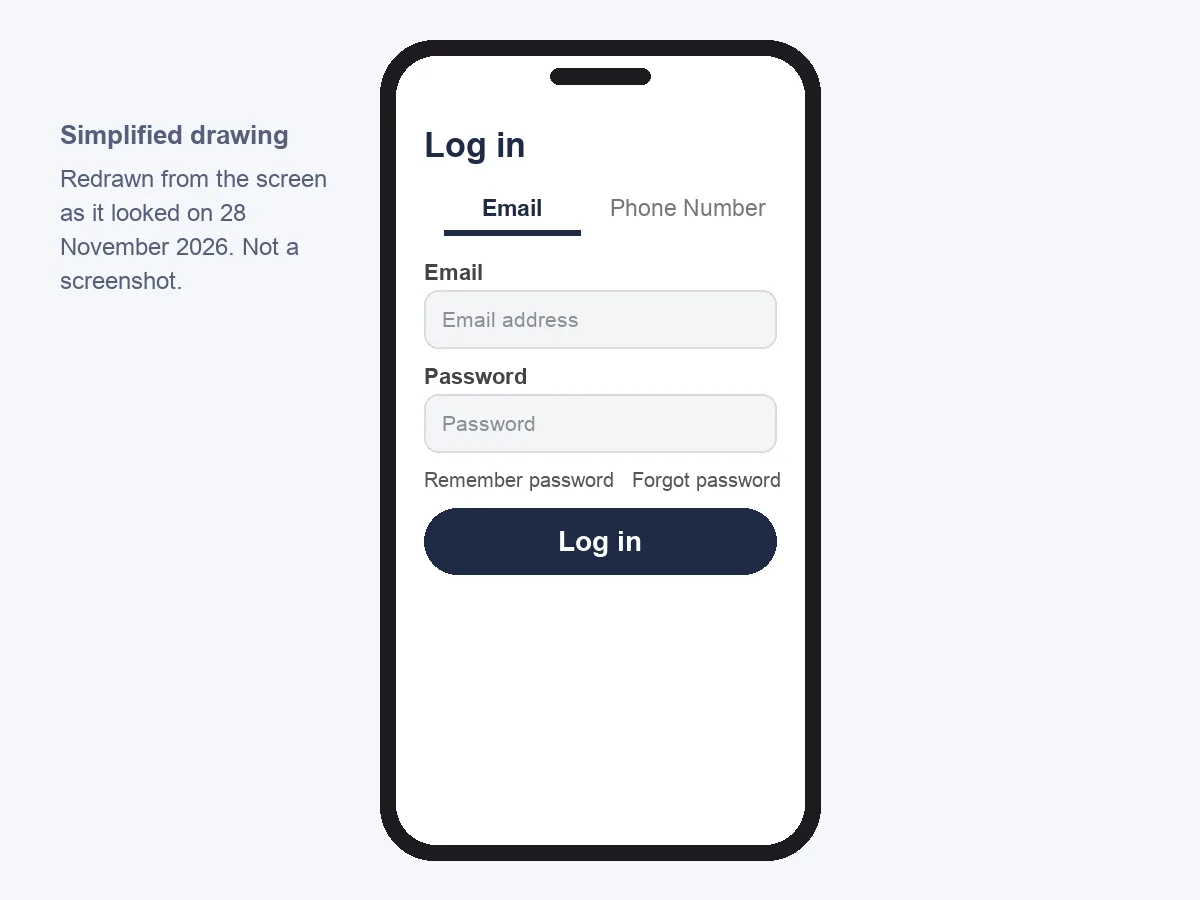
- On the sign-in screen, tap the Email tab, to the right of Phone Number.
- Enter the email address you registered with.
- Enter the password and tap Log in.
An account made with email will not open from the Phone Number tab, and the reverse is true as well.
Quick checks before you sign in
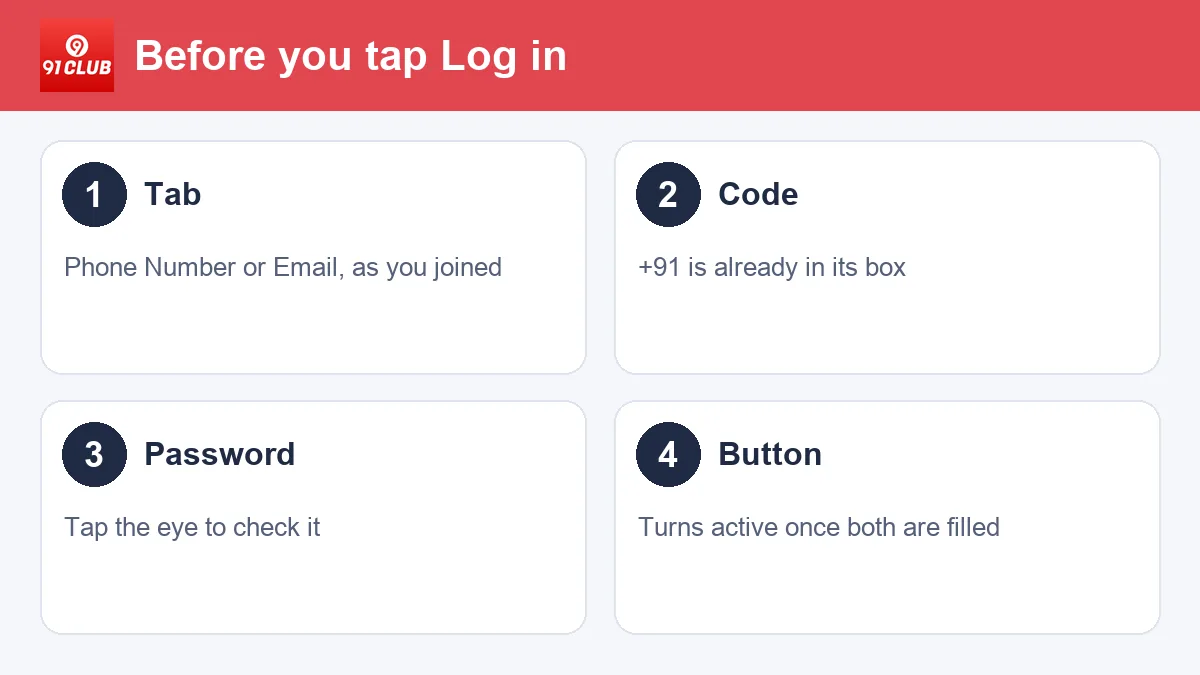
If 91 Club will not let you in, run through these four first.
Forgot your 91 Club password?
Under the password box there is a Forgot password link. The login screen itself adds that if you forget your password you should contact customer service; its round button floats at the lower right of the screen.
Should you tick Remember password?
Only on a phone that is yours alone. On a shared or borrowed phone, leave it unticked so the next person cannot open your account.
Still no account?
The Register button on the same screen opens a short form: phone number, password twice and the invite code. Tap it from this page and the code is filled in for you.
Safe sign-in
- Type your password only on the 91 Club screen itself.
- Nobody from the platform needs your password or a code from your SMS.
- 91 Club is real-money play for adults 18+.
91 Club Login: common questions
How do I log in to 91 Club with email?
Open the sign-in screen, switch to the Email tab, enter your email and password, and tap Log in.
Why won't my 91 Club number log in?
Check that you are on the Phone Number tab, that +91 is not typed twice, and that the password is right.
Where is Forgot password on 91 Club?
Under the password box on the login screen; the screen says to contact customer service.
Does 91 Club login need an OTP?
The login screen asks only for your number or email and your password.
Is this the 91 Club login page itself?
No. This is an independent site; the Login button opens 91 Club's own sign-in screen through a referral link.
91 क्लब लॉगिन
फ़ोन नंबर से: Phone Number टैब पर +91 के आगे नंबर और पासवर्ड डालें। ईमेल से: Email टैब पर ईमेल और पासवर्ड डालें।
पासवर्ड भूलने पर Forgot password दबाएँ; स्क्रीन ग्राहक सेवा से संपर्क करने को कहती है। केवल 18+ के लिए।
Platform details as seen on 28 November 2026. Updated 28 November 2026.